Last Monday, as a part of our Exploratory Practice course, we had a session with Angel Cano, a Senior Layout Artist and CG Generalist with 10 years of experience. He started the lecture by explaining the VFX Pipeline, which connects all the departments—modeling, texturing, lookdev, layout, animation, FX, lighting, and compositing—into one continuous chain. We learnt that, no matter what we end up specialising in, it will never exist in isolation, but will always be a point in a larger sequence, where one thing is an inherent part of another.
After the introduction to the pipeline, Angel explained what his specialisation consists of. As we learnt, 3D layout artists are responsible for building the filmic blueprint of a shot before any of the lighting, FX, animation or rendering happens. They take a 2D plate and turn it into a three-dimensional shot, which bridges the previs and the final production scene.
In the second part of the session, we were given a task that would increase our understanding of the role. We were provided with a few 2D plates and asked to choose one that would be transformed into a 3D scene using Maya. Below is the one that I decided to go with.
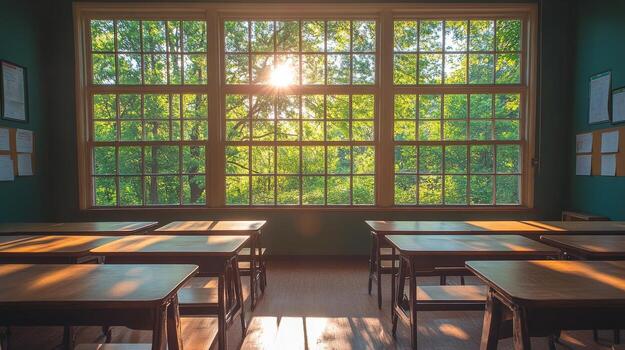
The aim of the task was to translate the image into 3D space. This required setting up the right camera placement, scale and spatial relationship, as well as the rough scene composition.
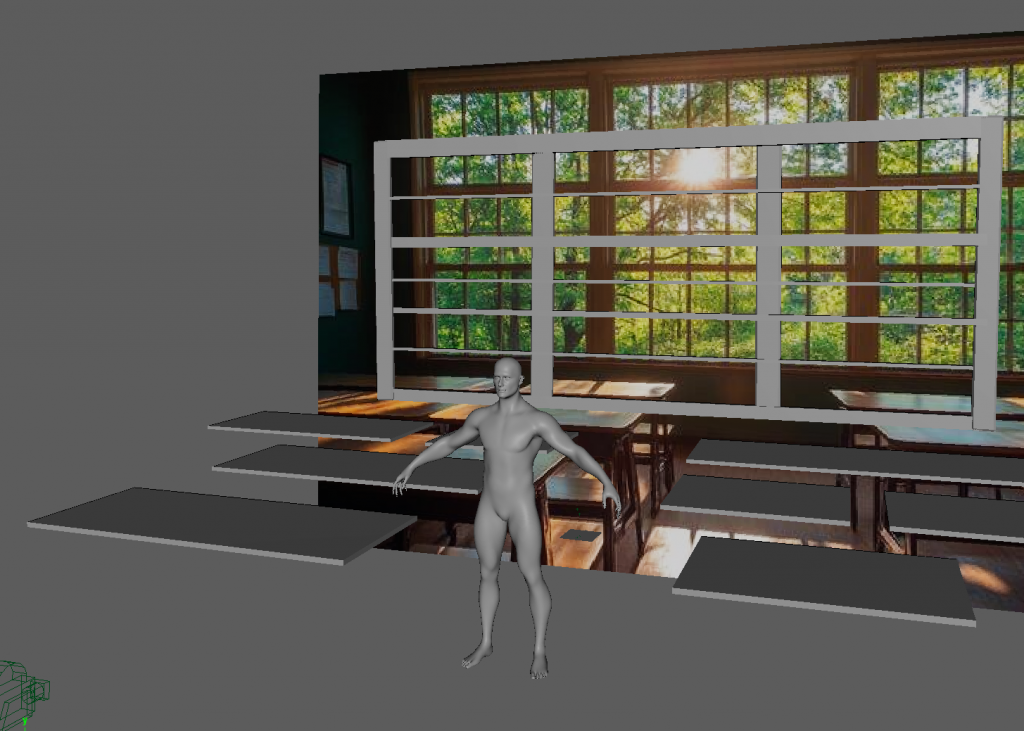
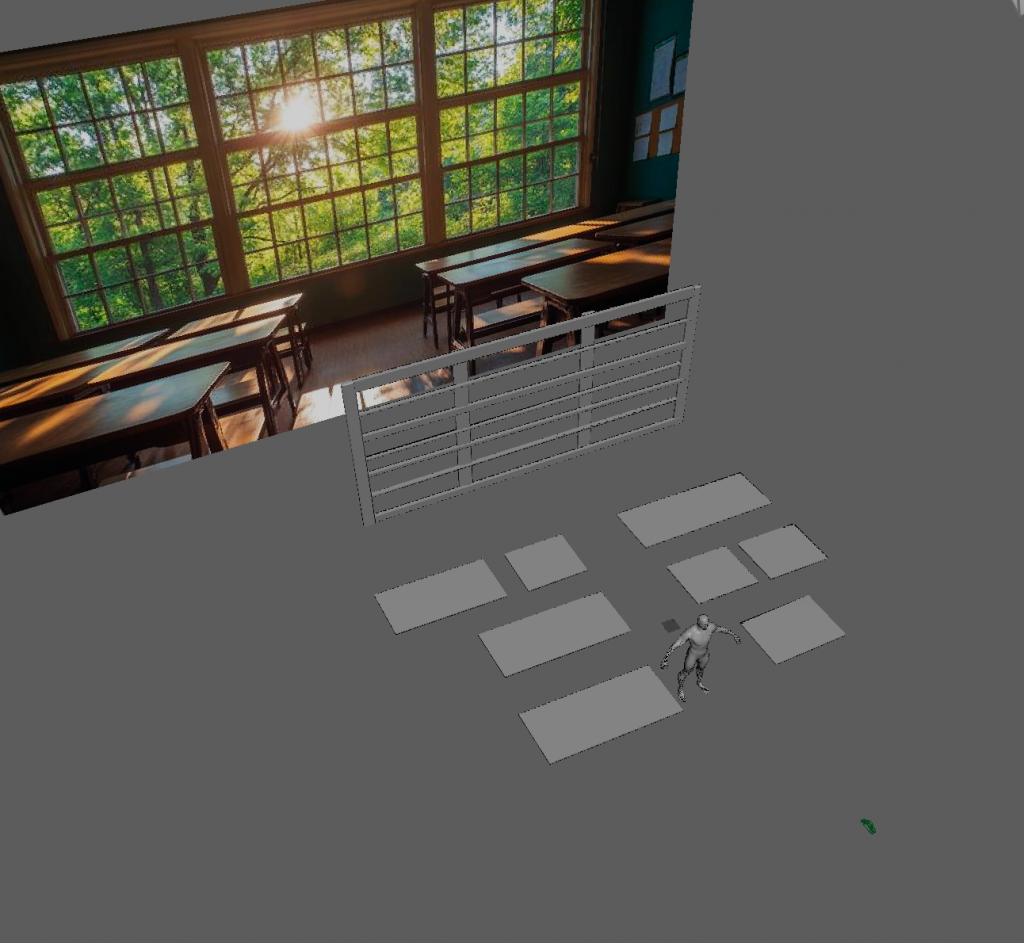
We first placed the default character into the scene and defined its scale, so that it approximately matched the real-world measurements. Later on, we locked where the assets should be placed. I started by mapping out the location of desks, using simple shapes like cubes. We worked with split screens, simultaneously looking at the camera and perspective views.
CAMERA VIEW
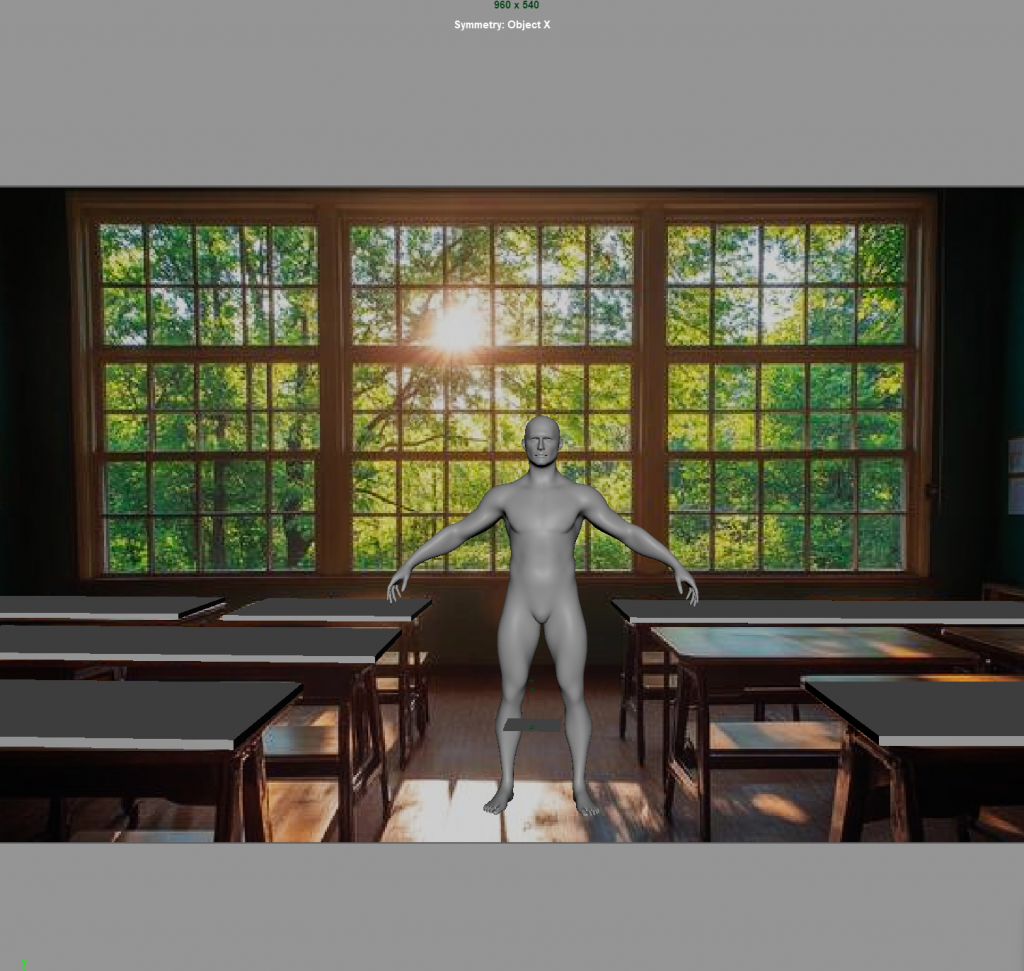
PERSPECTIVE VIEW
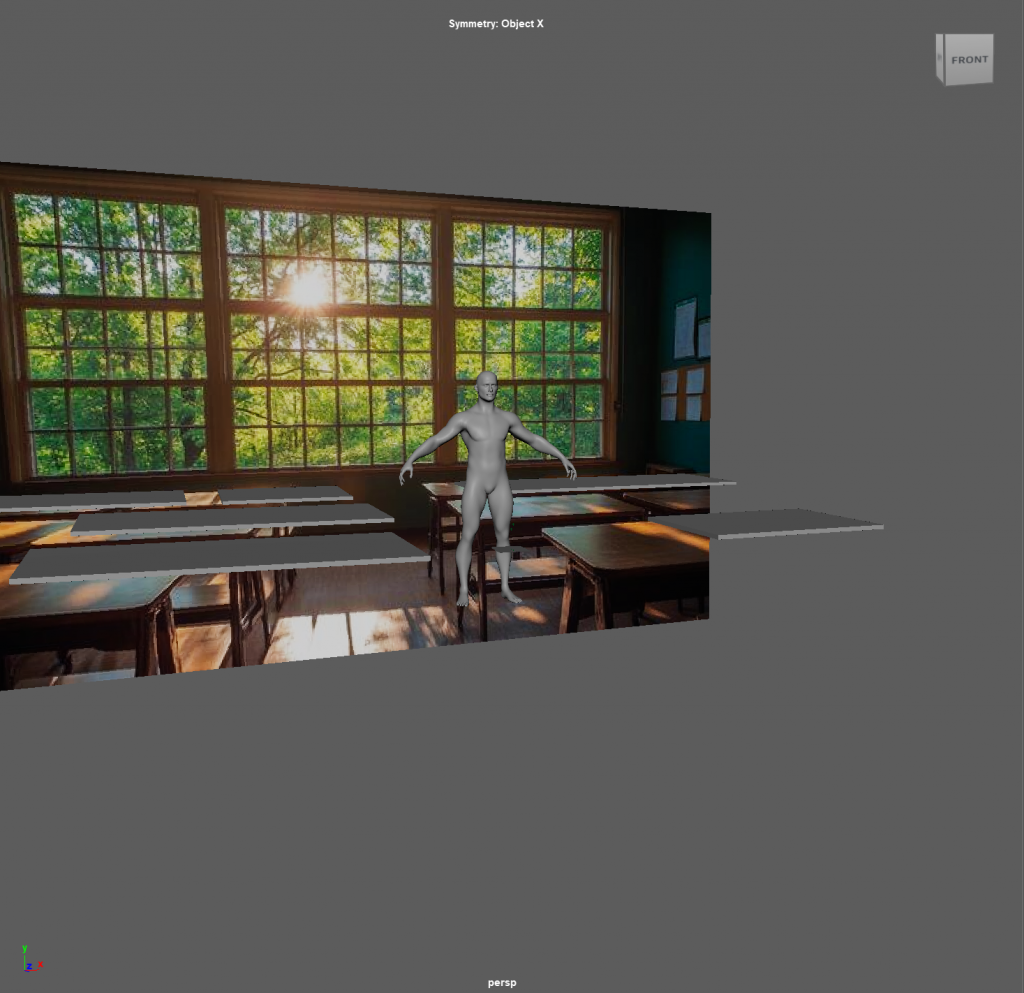
After establishing the approximate location of desks’ counters, I moved on to shaping the window in the middle distance. This was trickier than the foreground, as, for me, it was not apparent how far away exactly should it be, and how big am I supposed to make it.
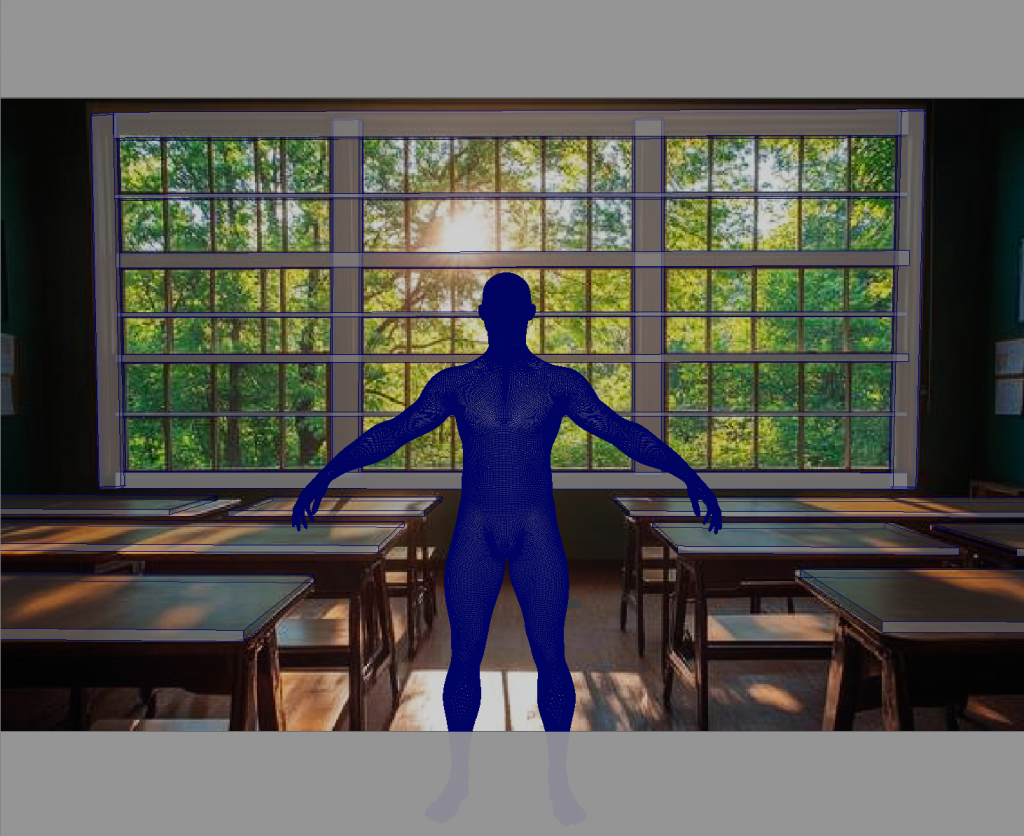
With Angel’s helpful guidance, this is the layout that I managed to create during the session.
CAMERA VIEW
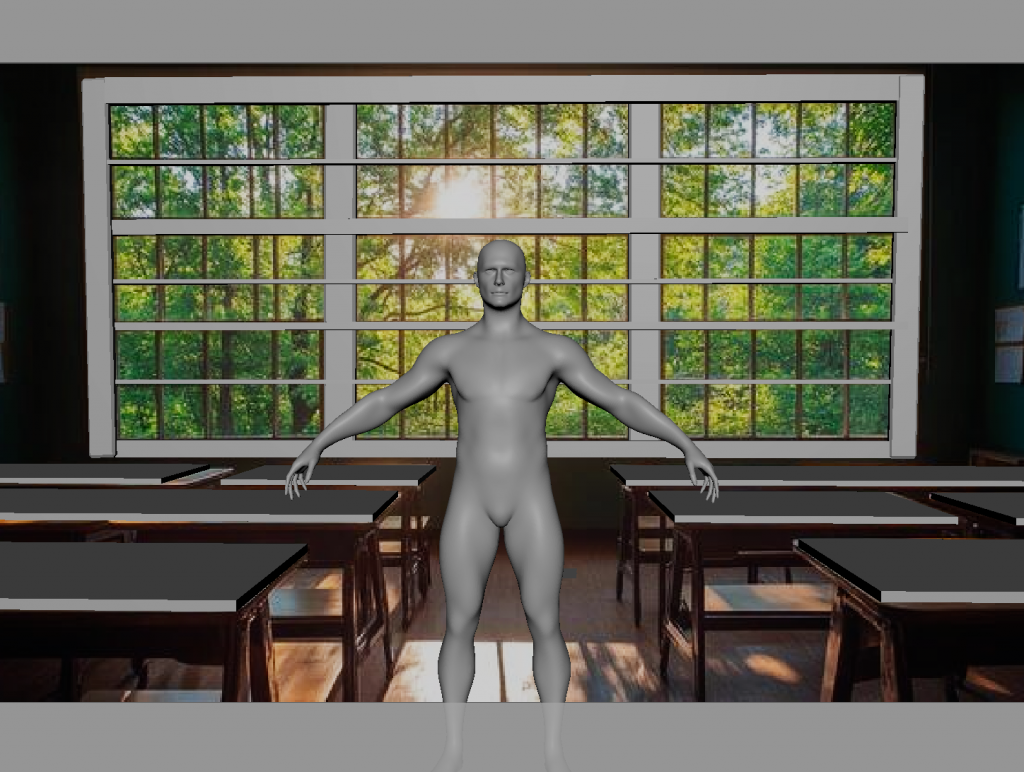
PERSPECTIVE VIEW
CAMERA VIEW (wireframe)
The session was very interesting, as I did not know a lot about the role of a 3D Layout Artist within the VFX industry. I am looking forward to the second class, which will surely be just as insightful as the last one.