Instead of having the regular VFX Fundamentals tutorials on the 27th of October and the 3rd of November, we spent our Mondays getting familiar with 3DEqualizer. This leading tracking software is extensively used within the VFX industry and helps to seamlessly merge live-action footage with digital visual effects or elements.
Personally, I attempted tracking only once before. I used Blender, which gave me rather poor results, and I quickly gave up, ultimately not finishing the project I had in mind. I have never heard of 3DE before; therefore, I was really excited to give it a go, especially after finding out that it is the matchmove software of choice for the world’s leading VFX facilities.
As it turned out, 3DEqualizer is really pleasant to use and quite easy to navigate and, if approach correctly, it really does provide the user with surprisingly seamless results. I enjoyed learning it a lot and will surely keep on using it whenever I get a chance.
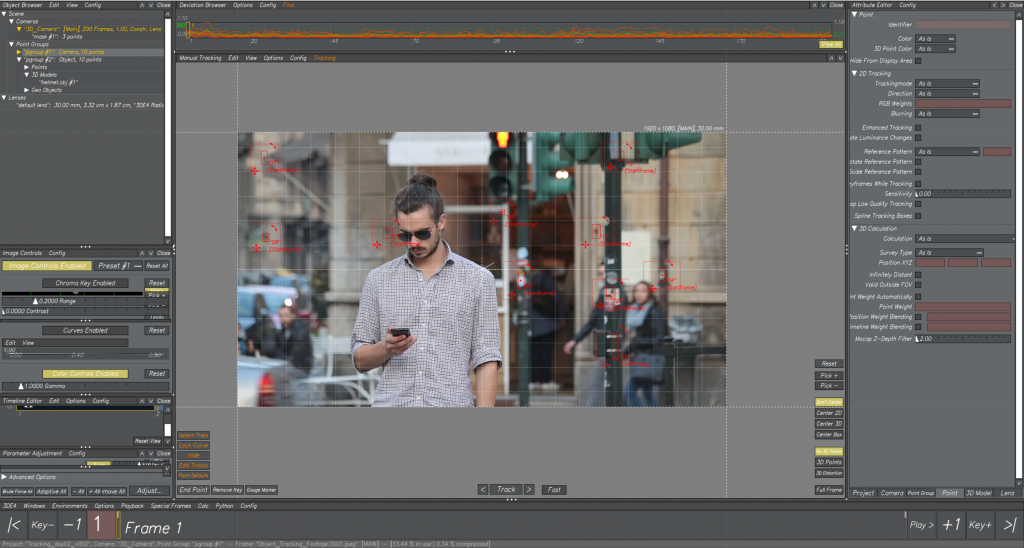
One of our tasks was tracking a face of a man from the provided footage, to later clip an Iron Man mask onto it. After uploading the sequence, I started the process by tracking some background points. These are the ones that I picked.
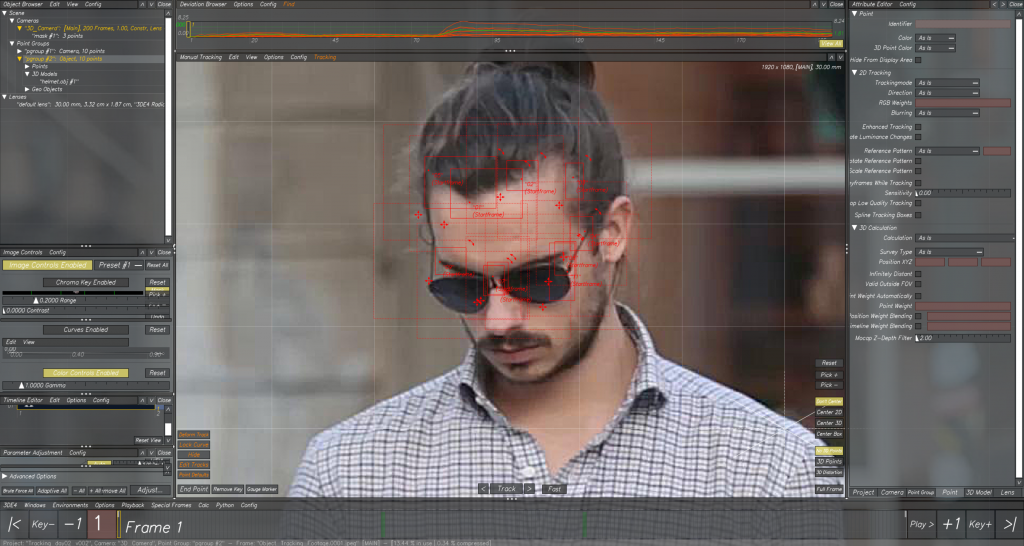
Later, I moved on to tracking the man’s face. It was much harder than tackling the background, as his rapid movements resulted in jumping or shaking trackers. In the tutorial, we learnt that we can track each point frame by frame, which was really helpful, as it provided me with more control. It also allowed me to change the search area of my trackers whenever I needed to. At the end, using the trial and error method, I think I ended up with pretty decent tracks.
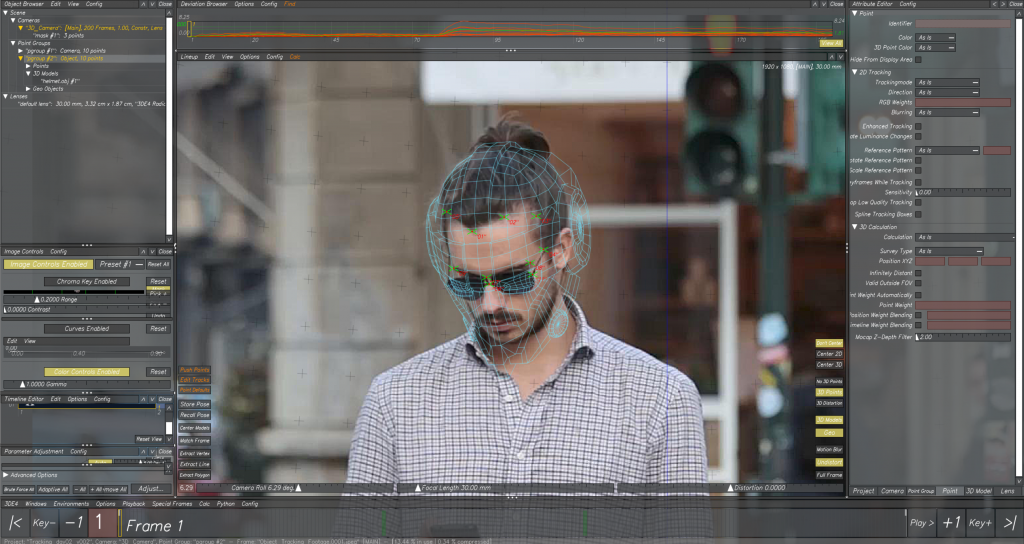
Then, I brought the Iron Man mask into 3DE and clipped it into the points. This was just to adjust the size and location of it, and to see if everything is tracked properly.
The final step was to export the footage and tracked points and import them to Maya, where I could adjust the mask’s 3D model properly, parent it with the points’ movement, and check if everything looks good.
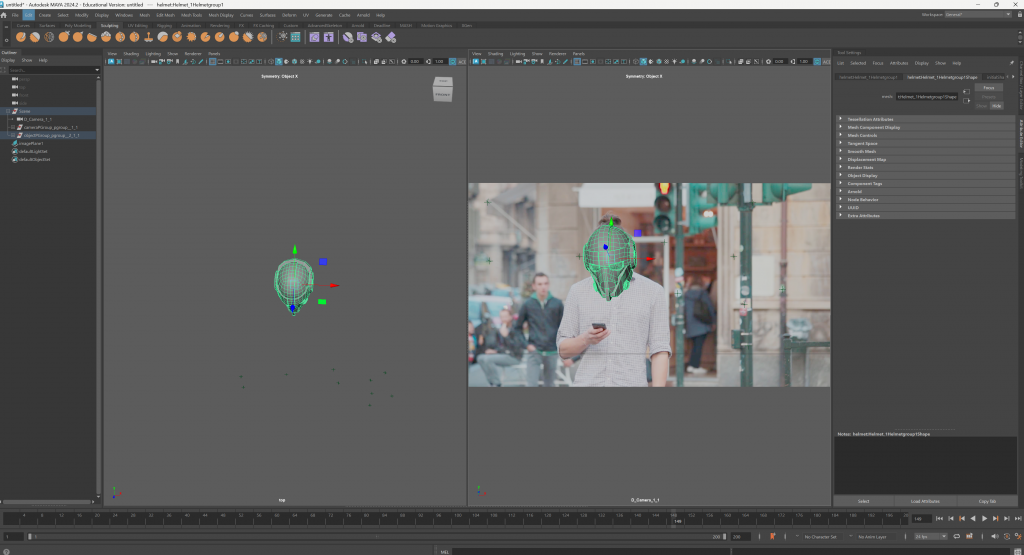
This is the final result, which I am quite happy with.