I have always viewed Nuke as an extremely powerful software which opens the gates to numerous new ways of approaching VFX, 3D Animation and Motion Design. In the past, I found it too intimidating to try on my own because of all the tools that it provides. Now, however, I see that with the right guidance and the right amount of time spent on practising, it becomes easier to navigate and enjoyable to use.
This week, our assignment was to learn rotoscoping by masking a running man and cutting him out of the provided footage. We were supposed to approach that by working in smaller parts, which would later lead to forming the whole figure.
The workflow that I found most efficient was dividing the man’s body into four sections: 1. head; 2. chest and arms area; 3. legs; 4. flowing trousers and its elements. As shown below, I would later divide each section further.
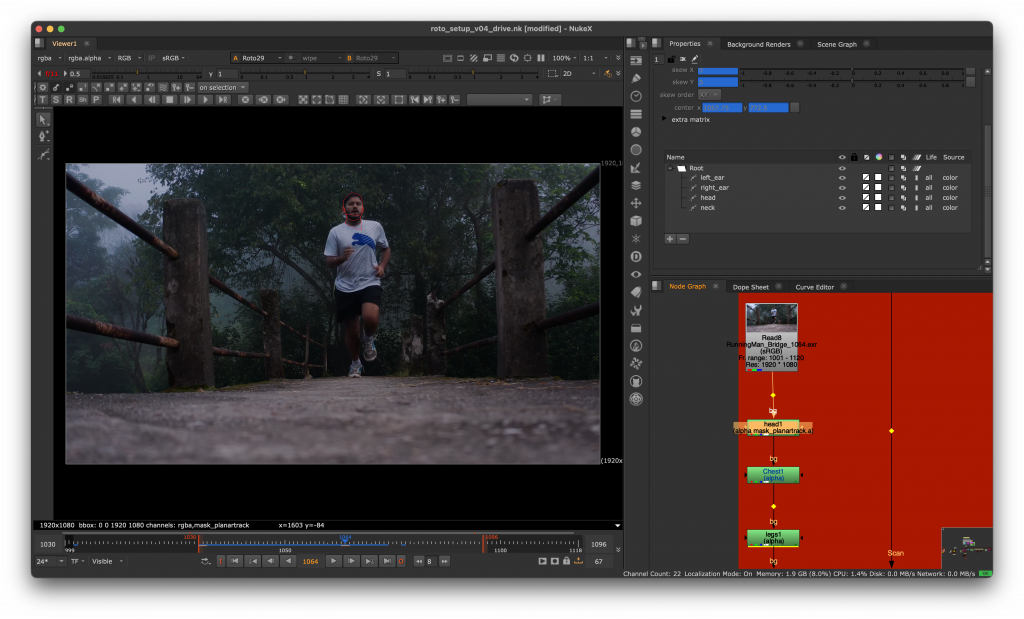
- Head => a. main head part; b. left ear; c. right ear; d. neck
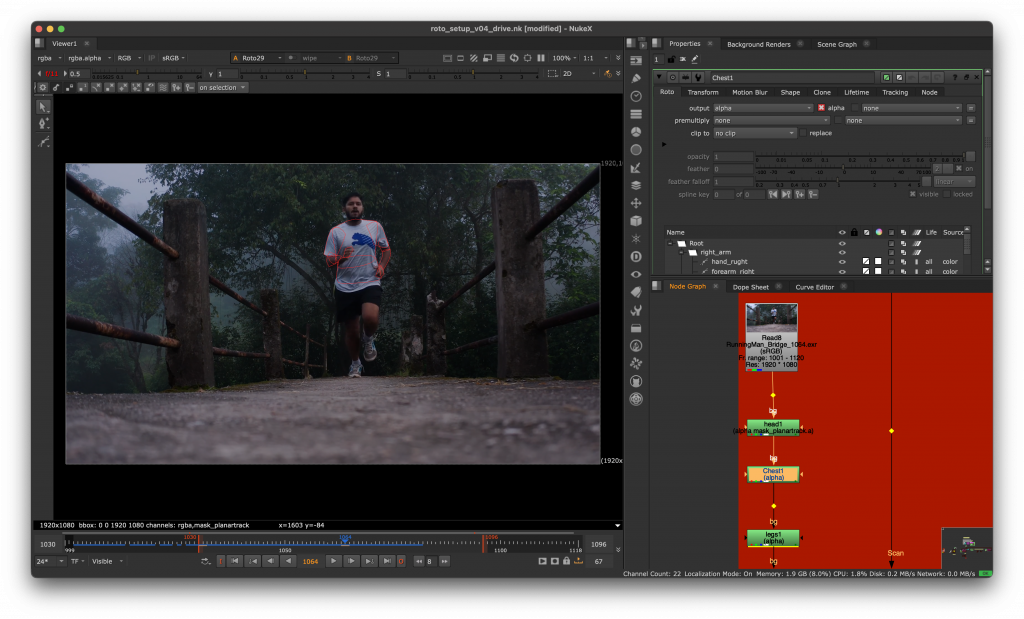
2. Chest area => a. chest; b. right sleeve; c. left sleeve; d. right elbow; e. left elbow; f. right forearm; g. left forearm; h. right hand; i. left hand
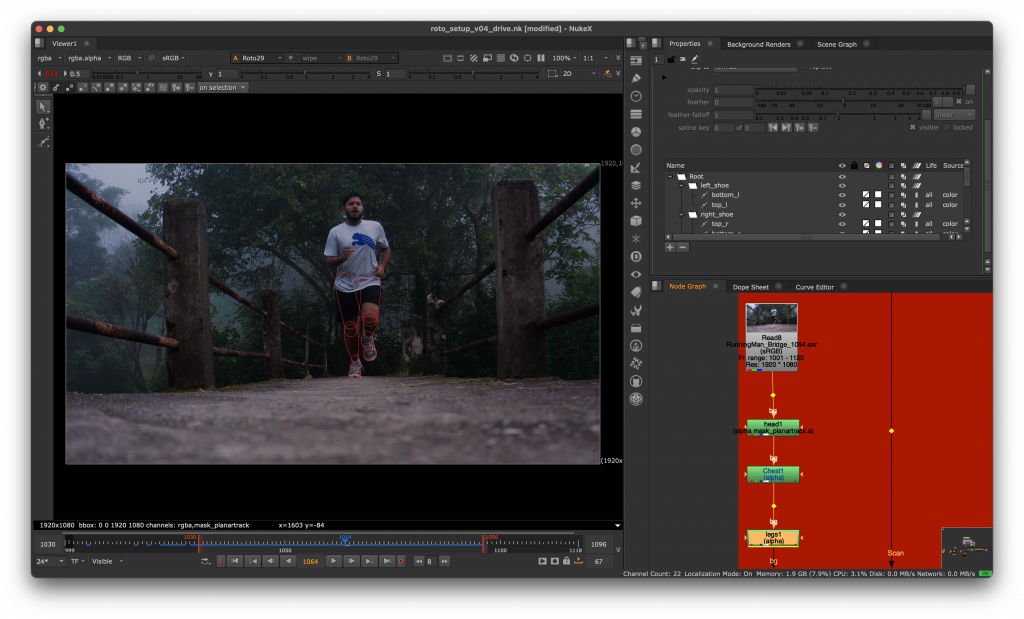
4. Legs => a. right thigh; b. left thigh; c. right knee; d. left knee; e. right calf; f. left calf; g. right upper shoe; h. right lower shoe; i. left upper shoe; j. left lower shoe
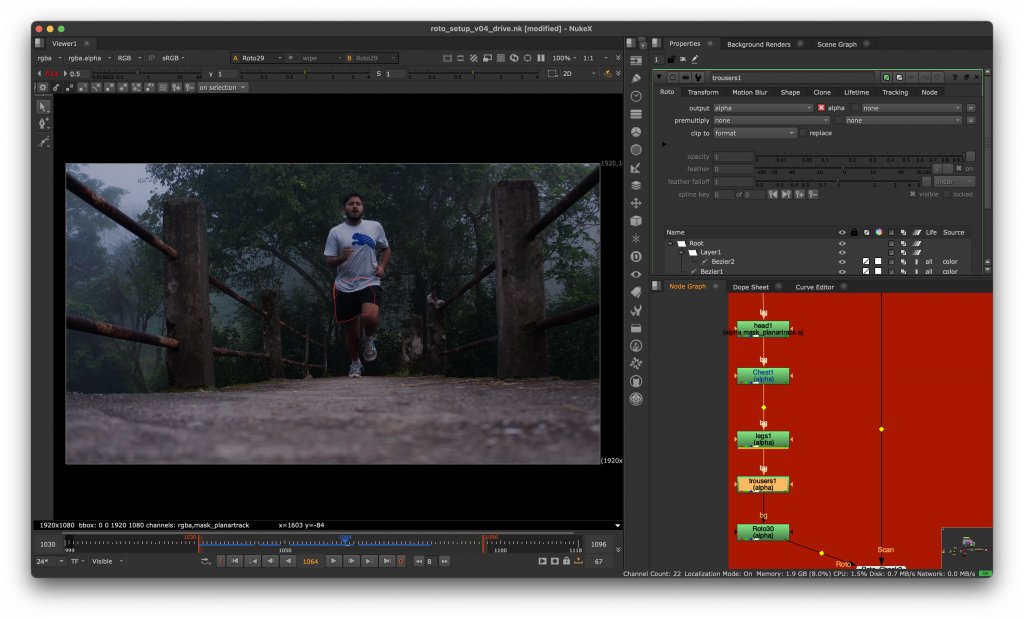
5. Trousers => a. flowing trousers part; b. a piece of cloth hanging from the pocket
This allowed me to create a full body seamlessly.
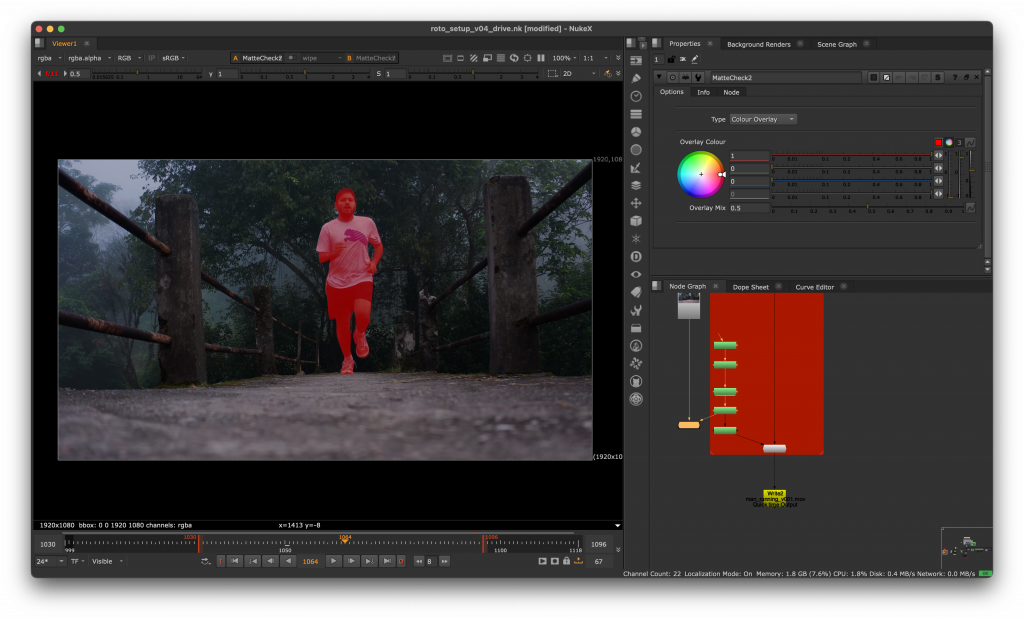
Later, I tracked the fence on the left side of the screen and rotoscoped it as well, using the transform animations provided by the tracker.
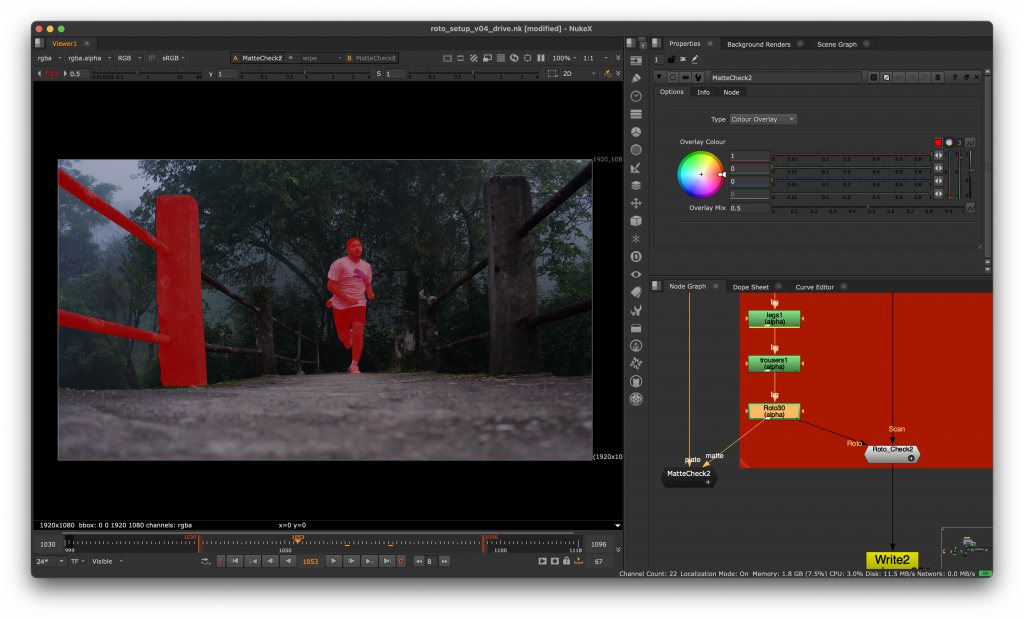
Below is the final result.
I found this task quite demanding and time-consuming; however, I recognise that it is a crucial skill to have as a VFX/3D Artist. In the future, I definitely need to work on the techniques that I am using to make the workflow easier and more efficient.